
You cannot run Turnitin's AI detection yourself unless your school gives you access. The practical way to use a Turnitin AI checker on your own draft is to paste it into a free, Turnitin-style detector, read the sentence-level scores, and rewrite the passages that look machine-written. A free tool will not reproduce Turnitin's exact number. It will show you which sentences carry the patterns that get essays flagged.
The problem is access. Turnitin licenses its AI writing detection to institutions, and the AI report is built for instructors. You submit, you wait, and you find out later whether a percentage appeared next to your name. That is stressful, especially when you wrote the paper yourself. Search results do not help much, because many sites call themselves a free Turnitin AI checker without any connection to Turnitin.
This guide shows you how to check your writing before you submit. You will learn what Turnitin's detector is, then follow four steps with AI Essay Detectors, a free tool that scores pasted English text without a signup and highlights each sentence by risk. The result is an estimate, not a verdict, and we explain how to treat it that way.
Why you can't run Turnitin's AI detection yourself
Turnitin sells its AI detection to schools and universities, not to individual students, so you cannot open it and paste in a draft. Your instructor sees the result. You usually do not.
What Turnitin's detector is and what it shows
Turnitin runs its own detection model rather than a third-party engine, which answers the common question of what AI checker Turnitin uses. Instructors see a blue AI box in the report with a percentage. An asterisk replaces the number when the score falls below 20%, because Turnitin treats low scores as less reliable.
Turnitin says its false positive rate stays under 1% when more than 20% of a document is flagged. That is the company's own claim, and no detector can prove who wrote a sentence. Treat every score as an estimate, never as evidence.
A detector score is a statistical estimate, never proof of who wrote the text.
Your realistic options as a student
Start by asking your instructor whether your school turns on any student-facing Turnitin tools, such as Draft Coach, which works on the similarity side. Do not assume it includes AI scores. If it does not, you have three sensible moves:
- Ask your instructor which AI policy applies and what the report shows.
- Run your draft through one of the best free AI essay checkers before you submit.
- Skip sites that promise "Turnitin results for free." They use their own models, and some keep your text.
Step 1. Prepare your draft for a check
Clean your text before you paste it, because stray material skews the score. Use only your own prose, in English, within the tool's 6,000-character limit.
Trim the text to what you wrote
Remove the reference list, block quotes, and headings first. They are not your sentences, and formulaic lines add noise. Then check the length. 6,000 characters is roughly 1,000 words, so a longer essay goes in sections, split at natural breaks.
- Delete references, long quotes, and headings.
- Keep at least a few full paragraphs, since very short samples give shaky scores.
- Scan the introduction, body, and conclusion separately if you are over the limit.
- Confirm the text is English, because the tool analyzes English only.
Save proof of your process
Before you scan, save your drafting history. Google Docs and Word both keep version history, and your outline, notes, and source list belong in the same folder.
This record matters more than any percentage. A timestamped history shows how the essay grew, which a score cannot.
Keep your drafting history, because a score cannot show how you worked and a version history can.
Step 2. Run the text through a free AI checker
Open AI Essay Detectors, paste your text, and run the scan. It takes under a minute, needs no account, and costs nothing.
Paste and scan in four moves
Use this sequence on your first check:
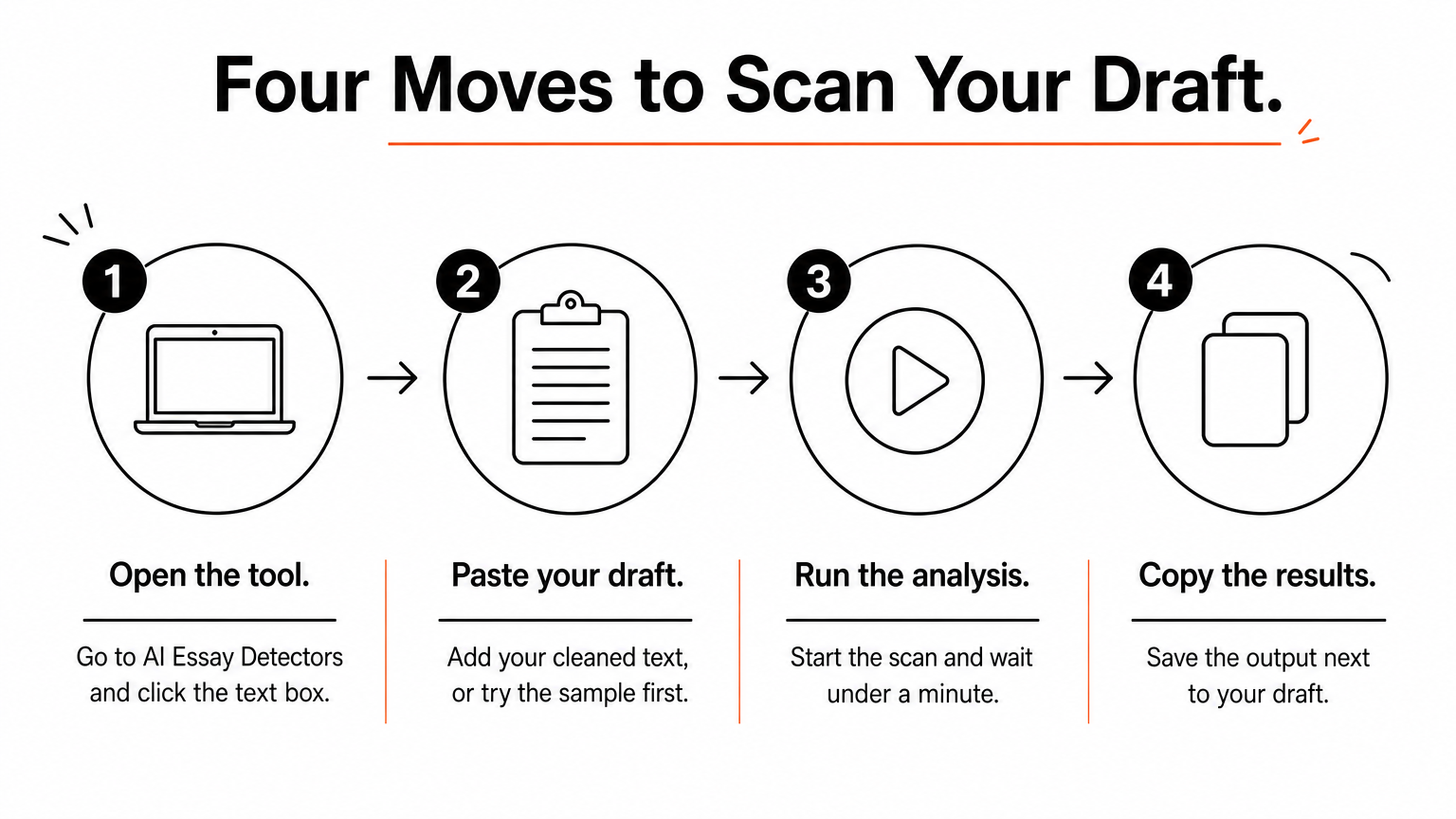
- Open the tool and click the text box.
- Paste your cleaned draft, or press "try sample text" to see how results look first.
- Run the analysis and wait for the scores.
- Use the copy-results button to save the output next to your draft.
What this tool is and is not
The scoring comes from the Sapling AI detection service, which returns one score for the document and one for each sentence. AI Essay Detectors says it does not store your text, and a daily usage limit applies to each visitor.
It is not Turnitin, so expect different numbers. Because of how AI essay detectors work, two detectors trained differently can disagree on the same essay. Use the result to spot weak passages, not to predict Turnitin's exact percentage.
A Turnitin-style checker shows you where the risk sits, not what Turnitin will report.
Step 3. Read the score and the heatmap
To read your AI detection score, look at three things in order: the overall probability, the AI fraction, and the sentence colors. The overall number gives the headline, and the colors tell you what to do about it.
What each result means
Turnitin shows instructors one percentage plus highlighted passages. This tool gives you the sentence-level view directly.
| Result | What it tells you | What to do |
|---|---|---|
| Overall AI probability | Estimated likelihood the whole text is AI-written | Use it as context, not as a verdict |
| AI fraction | Share of sentences scoring 50% or higher | Check whether a few sentences drive the result |
| Green sentences | Lean human | Leave them alone |
| Amber sentences | Uncertain | Reread and add specifics |
| Red sentences | Lean AI | Rewrite, or recall how you wrote them |
Read the pattern, not just the number
A scattered handful of red sentences in an otherwise green essay usually means a few generic lines. A document that is red from top to bottom is a different signal and deserves an honest look at how it was written.
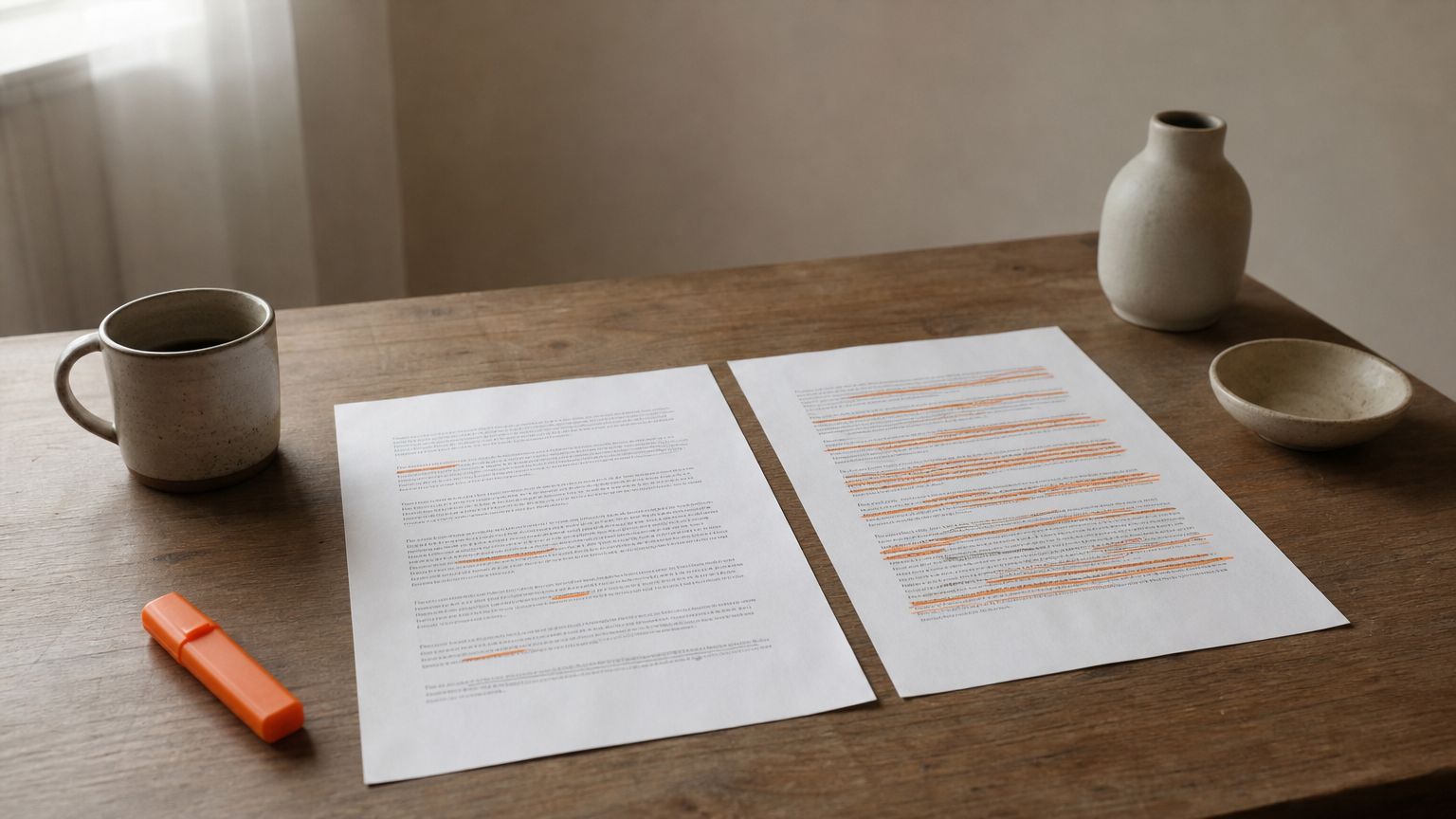
Be careful with false positives. Short text, formal academic prose, and writing by non-native English speakers can all score higher than they should. The site says so itself, and you should weigh any result accordingly.
Read the pattern across sentences, because one number hides more than it shows.
Step 4. Revise flagged sentences and recheck
Rewrite the red and amber sentences in your own voice, then scan again. Aim to make the passages more specific, not to trick the detector.
Rewrite with your own substance
Generic sentences score worst. Replace them with details only you would know: an example from your class, a figure from your source, a position you actually hold.
Vary your sentence length and cut stock transitions like "Moreover" and "In conclusion." If you used an AI tool for a passage, follow your school's policy and disclose it. Running AI text through a "humanizer" to hide it is the one fix to avoid.
If honest work still gets flagged
Detectors get things wrong, and there are many reasons a human-written essay gets flagged as AI, so keep your evidence ready. If your instructor raises a flag, share your version history, outline, and notes. Offer to talk through your argument in person.
You can show the heatmap too, but present it as one data point. A flag should start a conversation, and your drafting record is what makes that conversation easy.
Evidence of your process answers a flag better than any second detector can.
Check early, then submit with confidence
You cannot use Turnitin's AI detection yourself, but you can learn nearly as much from a free checker. Clean your draft, paste it in, read the overall score, the AI fraction, and the sentence colors, and rewrite the lines that look generic. Then scan again and keep your drafting history.
Remember what the number means. It is a probability that helps you find weak passages, not proof of anything. Short, formal, or non-native writing can be flagged unfairly, and your process record is your best protection.
Ready to try it? Run your draft through AI Essay Detectors, see which sentences to fix, and learn how accurate AI detectors are before you submit.
